
In 2026, finding the best app to manage your digital life on an iphone or ipad is essential for your productivity. The modern internet is filled with a distracting app at every corner, intentionally designed to hijack your attention. If you want to reduce distractions and support your mental health, you need more than just willpower. You need a dedicated app blocker to help you build better habits and gain more productive time every day. Let’s explore the best options on the store to block apps and websites effectively.
The Problem with Native Screen Time
Many users try to limit screen time using Apple’s built-in screen time features. Since the introduction of the updated screen time api in ios 16, developers can control screen time in new ways. However, the native screen time app is notoriously easy to bypass. It acts more like a parental control tool (often used for standard parental oversight) than a strict focus app.
If you want to completely block distracting apps, you will quickly realize that a simple passcode or a basic native restriction isn’t enough to help you stay focused. You need to set real, unbreakable boundaries to control your app usage and social media use. It’s not just about tracking numbers; it’s about finding a way to actually block the noise and balance screen time and focus.
Analyzing Third-Party Apps and Competitors
Overview of Refocus app blocker ios
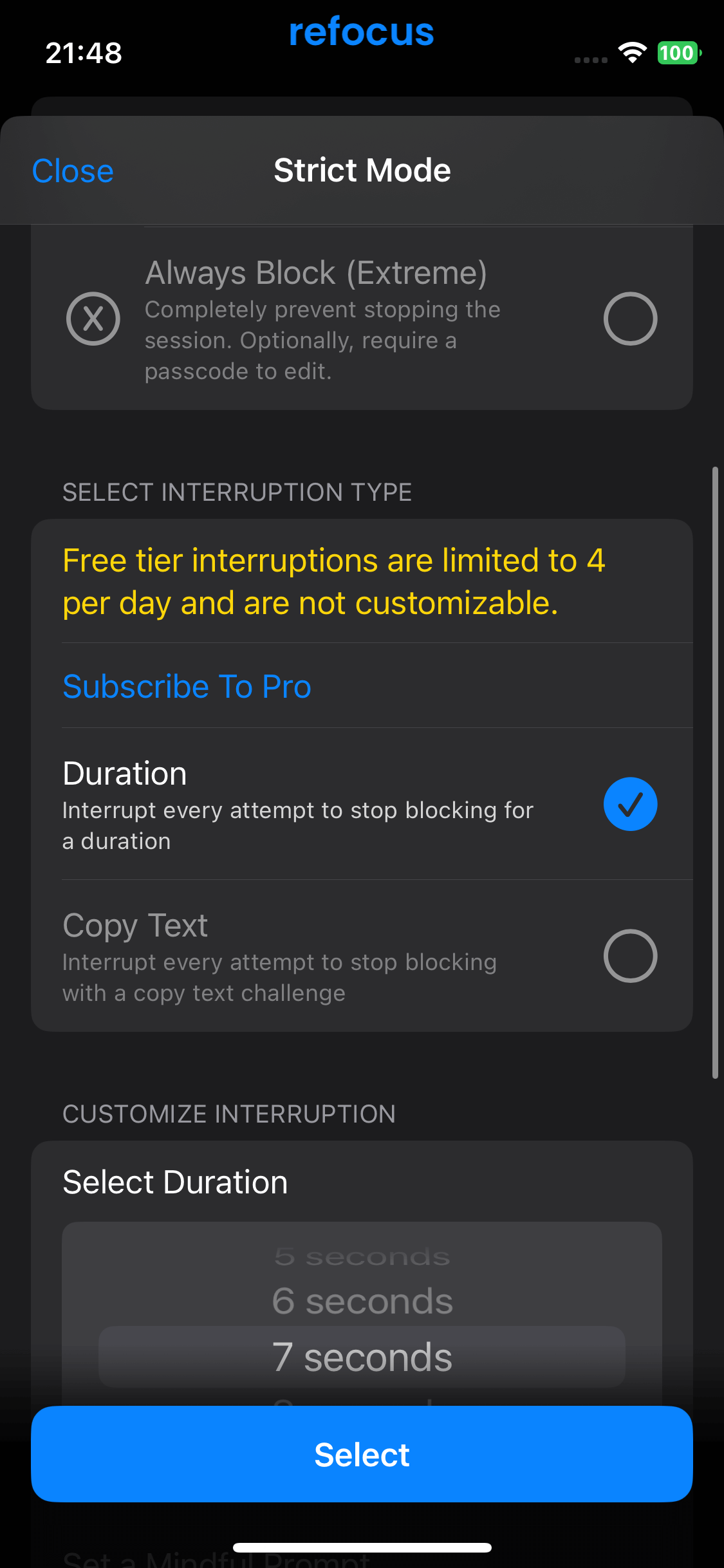
Refocus is a solid productivity tool designed to limit access to distracting apps. While it offers basic scheduling and blocking features to help you disconnect during work or study hours, it generally relies on standard iOS mechanics. Because it lacks a severe physical deterrent, users with low willpower often find themselves simply turning the block off when the urge to scroll hits.
- Pricing: Offers a limited free tier, but you quickly hit a paywall and need a premium subscription to unlock unlimited app blocking and advanced features.
Overview of Freedom app blocker ios
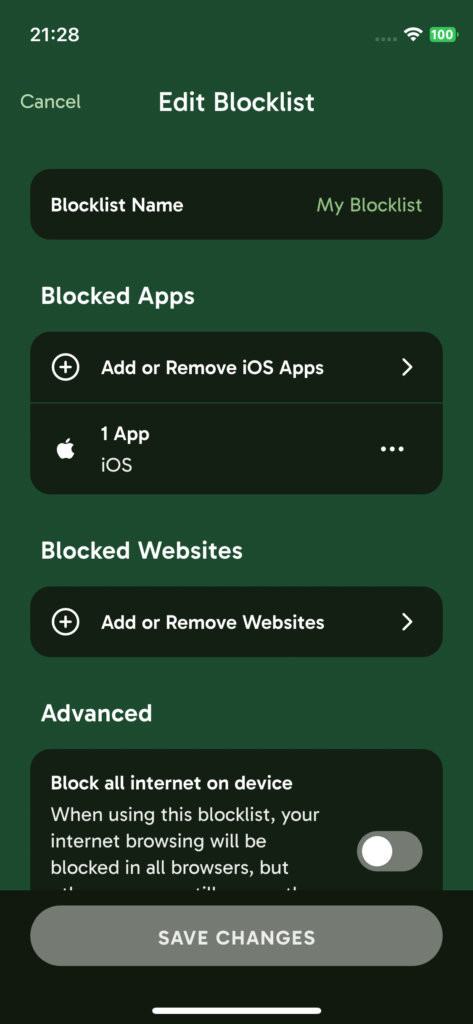
Freedom is a veteran in the productivity space, famous for blocking internet access to apps and websites across multiple platforms. It is highly effective for global internet blocking, but on iOS, its approach can feel rigid. It completely cuts off the internet connection to the app rather than retraining your brain’s habits through a physical challenge, which sometimes leaves users feeling trapped rather than reformed.
- Pricing: Requires a paid premium subscription (monthly or yearly) after a very short free trial. There is no robust free tier for everyday, long-term use.
Overview of ScreenZen app blocker ios
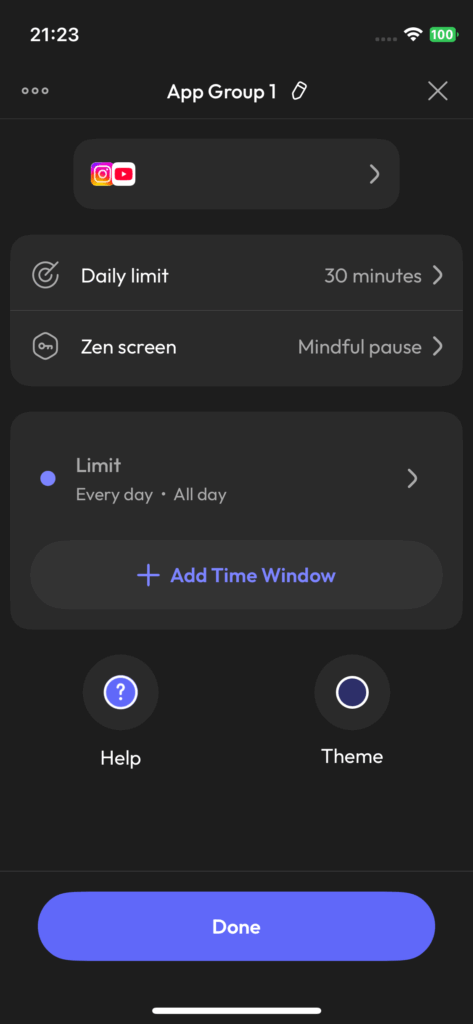
ScreenZen takes an interesting approach by forcing you to wait a few seconds before opening a distracting app. This pause is designed to make you rethink your digital choices. However, this is a passive delay—you simply stare at a screen waiting for the timer to finish. While helpful for minor distractions, passive waiting rarely breaks the strong dopamine loop of severe social media addiction.
- Pricing: Mostly free to use, but it completely lacks the active, intense physical friction required to deter heavy scrolling habits.
Overview of Opal app blocker ios
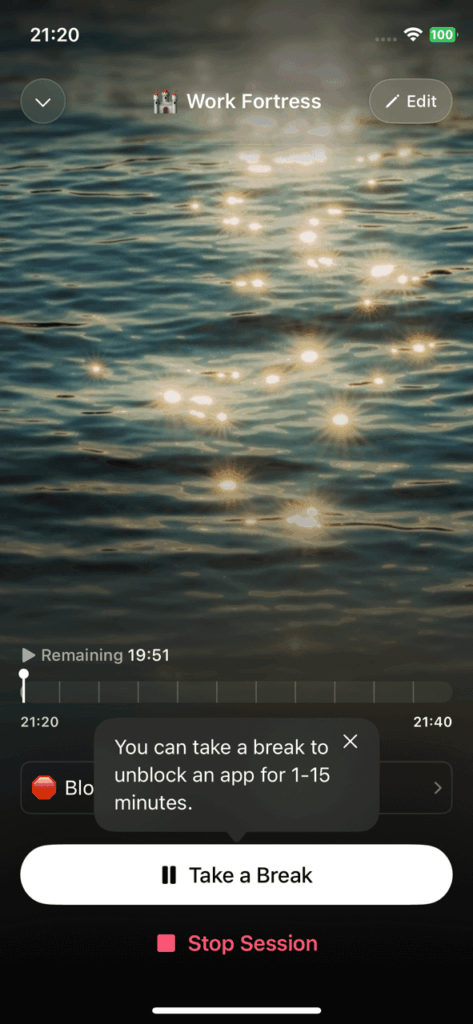
Opal is a highly popular app that gamifies your focus time and uses Apple’s Screen Time API to block apps. It features a beautiful interface, a cute mascot, and deep analytics. However, its most effective feature—the “deep focus” mode that prevents you from bypassing the block—is locked behind a very steep paywall. Free users are left with blocks that are far too easy to snooze or bypass.
- Pricing: Extremely expensive yearly subscription (Opal Pro) is required to access strict, un-bypassable blocking. The free version is heavily restricted.
The Problem with Current iOS Blockers
People often look for third-party apps to block apps. You might search the app store for a website blocker or a comprehensive app and website blocker to block websites. There are many similar apps available on the market. For example, freedom is a well-known blocker. You can start a freedom session to block apps and websites across your Mac, desktop, and ios devices (working across all your devices). Other tools like appblock, opal, and screenzen also exist in this space.
Apps like these often offer a free trial but heavily rely on in-app purchases. While an ios app blocker like opal or apps like freedom might offer focus sounds or block sessions, they often just hide the app entirely without solving the root habit. Some users turn to screenzen, which uses apple’s screen time mechanics under the hood, but it still lacks the ultimate friction needed for severe social media addiction. Finding a free version or an app that is genuinely free to use without annoying in-app paywalls limiting basic features is incredibly hard. If you want to choose which apps and websites to restrict and deal with distracting apps and websites intelligently, you need a better app for ios.
Why WallHabit AppBlocker iOS is the Ultimate Winner
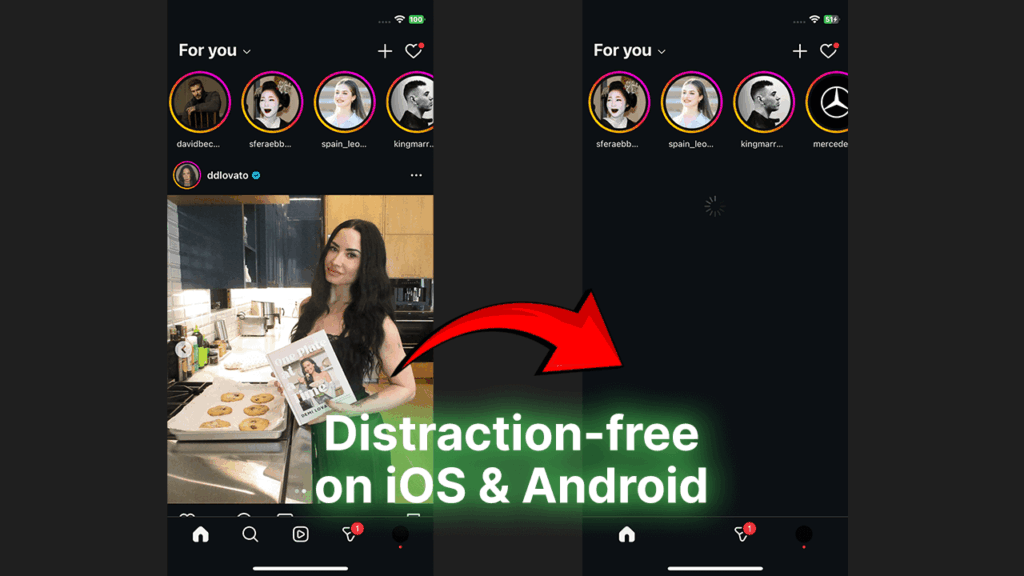
If you want to actually fix your screen time, WallHabit appblocker ios is the superior choice. WallHabit is the ultimate iphone app and the premier ios app to stay focused. It is not just a generic app blocking tool; it is a commitment device built specifically to combat the subtle, addictive design of social media apps using a flexible approach and intense physical deterrents.
Instead of relying on passive waiting, locking basic features behind expensive paywalls, or trying to permanently put a lock on everything, WallHabit uses a powerful, flexible approach designed exclusively for Apple users. Here is why WallHabit wins across all major parameters:
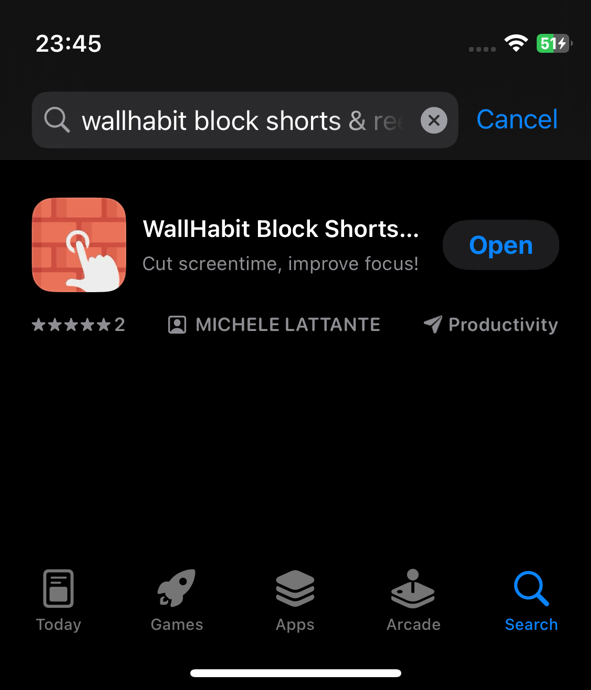
- Pricing (Totally Free): Unlike opal or freedom, WallHabit does not restrict your basic need to focus. It is totally free, allowing you to block an unlimited number of apps without ever hitting a frustrating paywall.
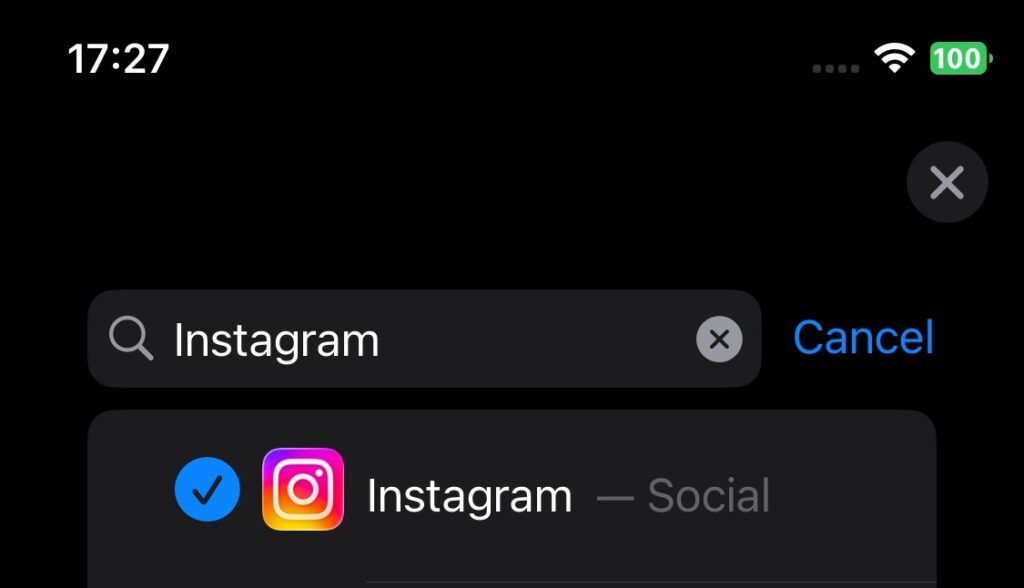
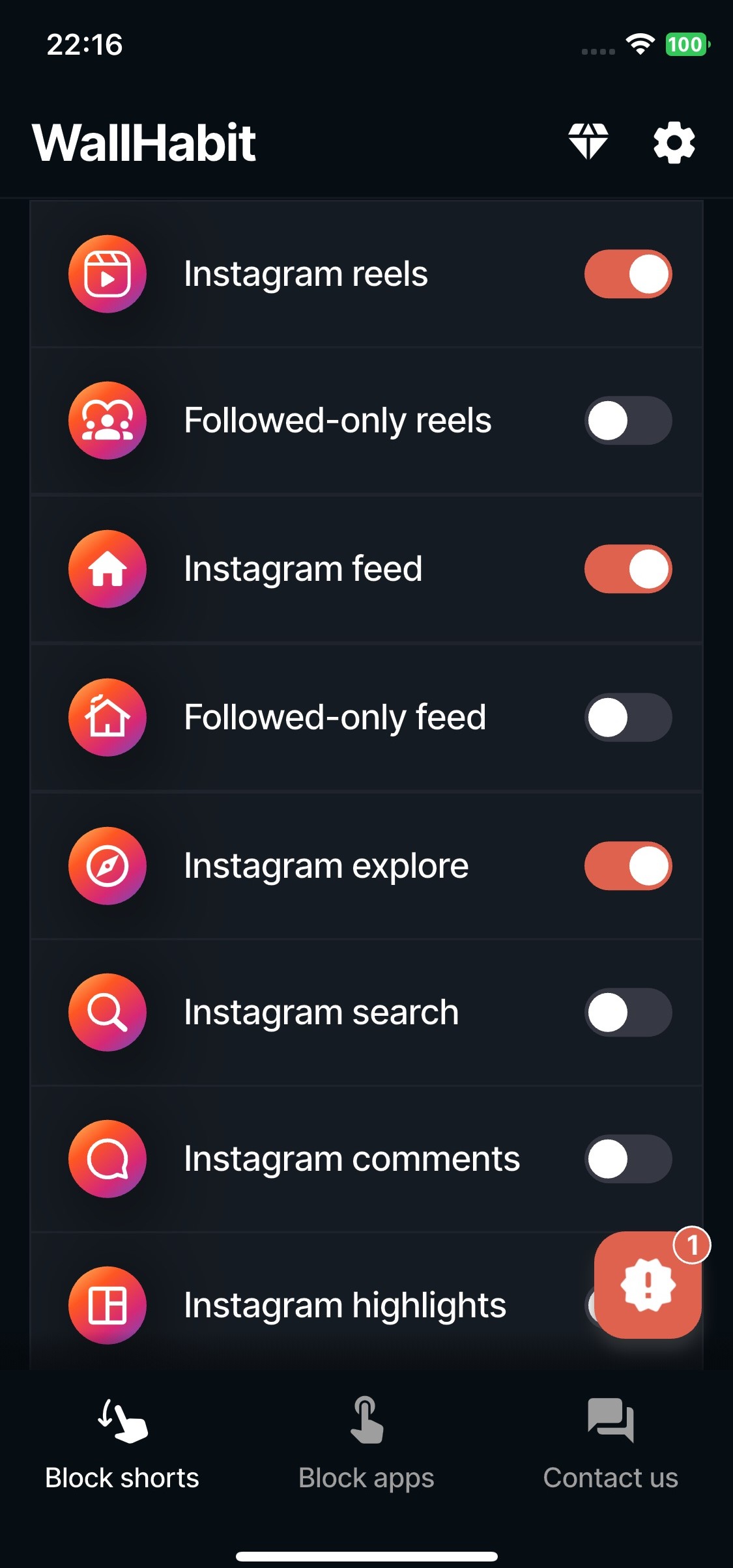
- Customization & The Flexible Approach: WallHabit offers unparalleled control over your digital environment. You don’t just block an app; you can set specific time limits and fully customize the exact amount of taps required to unlock it. Furthermore, WallHabit provides “Distraction-Free” versions of your favorite platforms. This means you can browse safely without the addictive algorithms. You can enjoy clean websites so you can focus on the good parts of the internet, completely avoiding the endless scroll for your daily browsing.
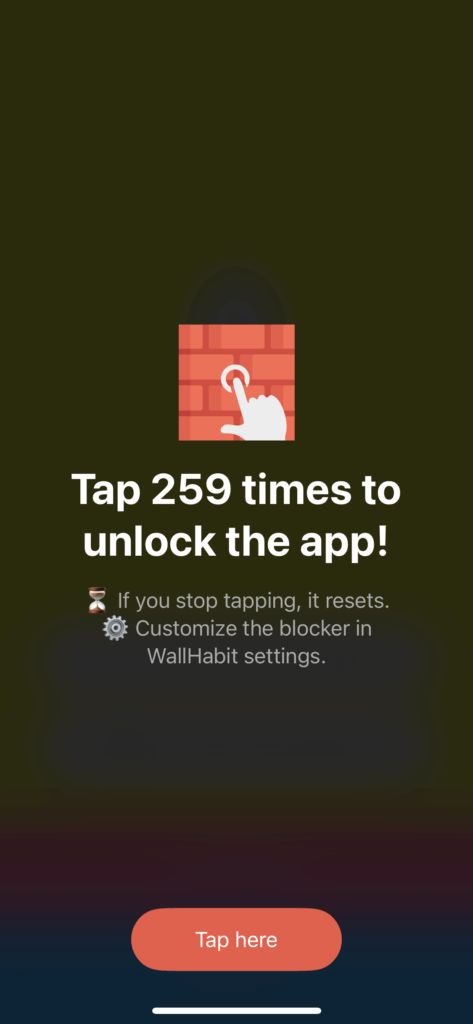
- Friction Rate & The “Tap to Unlock” Challenge: But what about the native app? The Friction Rate is the amount of effort required to actually unlock the app, and it is extremely effective to prevent losing your precious time. Passive waiting or typing a simple PIN does not work. WallHabit adds real friction. For the original ios app, WallHabit doesn’t just rely on a bypassable timer or simple time limits. It locks certain apps behind a rigorous “Tap to unlock” challenge. To open the original app, you must physically tap the screen hundreds of times without stopping. If you stop, you have to restart the count! This makes it impossible to cheat, creates intense physical friction that helps you refocus, and instantly kills the urge to mindlessly scroll.
This is the best way to block distracting elements, guarantee you only open the app when truly necessary, and focus on what matters. You can finally take control and block distractions.
Customization and App Privacy
If you want to set app boundaries, WallHabit gives you the freedom to do so. For example, if you want to block tiktok or other platforms is exactly the same—just add them to your locked list. You can set up tailored focus sessions to get back your time every day.
Furthermore, WallHabit is entirely dedicated to protecting your app privacy. Many a blocker tool will track your data, especially if ported from an android device, but WallHabit respects your Apple ecosystem. Available on the store, you can get started with the free tier right now. The free version gives you immense power to block distractions and help you focus.
Whether you want a strict block or a flexible blocker, WallHabit is the answer. Every app you want to block, every distraction you want to eliminate—WallHabit has you covered. Get the version that suits you best and block the noise. Use this app to block out everything else and set your goals today!
Frequently asked questions
Can you put an app blocker on an iPhone?
Yes, you can easily install an app blocker on an iPhone, but you should choose one that actually works for adult habits rather than relying on Apple’s easily bypassed Screen Time. By downloading a commitment device like WallHabit from the App Store, you get a tool specifically designed to combat the addictive nature of social media. Instead of just hiding the app, WallHabit uses a flexible approach: it provides Distraction-Free environments for your daily browsing, keeping your native apps locked safely behind a physical tapping challenge to ensure you only use them when absolutely necessary.
How can I permanently block an app on my iPhone?
While Apple’s iOS ecosystem doesn’t allow any third-party software to permanently “brick” or delete an app against your will, you can create a virtually unbreakable barrier using WallHabit. Standard PIN codes are too easy to type in when you are bored. WallHabit solves this by securing the app behind its strict “Tap to unlock” challenge. To access the blocked app, you must physically tap the screen hundreds of times in a row without stopping—if you pause, the counter resets. This intense physical friction completely kills the urge to mindlessly open the app, serving as the ultimate block for your productivity.
Is there a free way to block apps on iPhone?
Yes, there are free ways to block apps on your iPhone. While Apple includes the native Screen Time feature for free, it acts more like a basic parental control tool and lacks the friction needed to break bad habits. For a more effective solution, WallHabit offers a powerful free version on the App Store. The free tier gives you access to the Distraction-Free browsing environments to eliminate addictive algorithms like Reels and Shorts, and allows you to lock your most problematic native apps behind the rigorous “Tap to unlock” challenge without forcing you into expensive in-app subscriptions just to get your focus back.
Can you set custom app restrictions on an iPhone?
Absolutely. If you want more control than simple, easily ignored daily time limits, you need to set custom, behavior-based restrictions using WallHabit. It allows you to tailor your digital environment to your exact needs through its flexible approach. You can choose to use the Distraction-Free version of an app to completely remove the endless scrolling feeds and explore pages. For the specific native apps you still need for work or direct messaging, you can customize your restriction by locking them behind the demanding “Tap to unlock” challenge, ensuring your screen time is always intentional.